


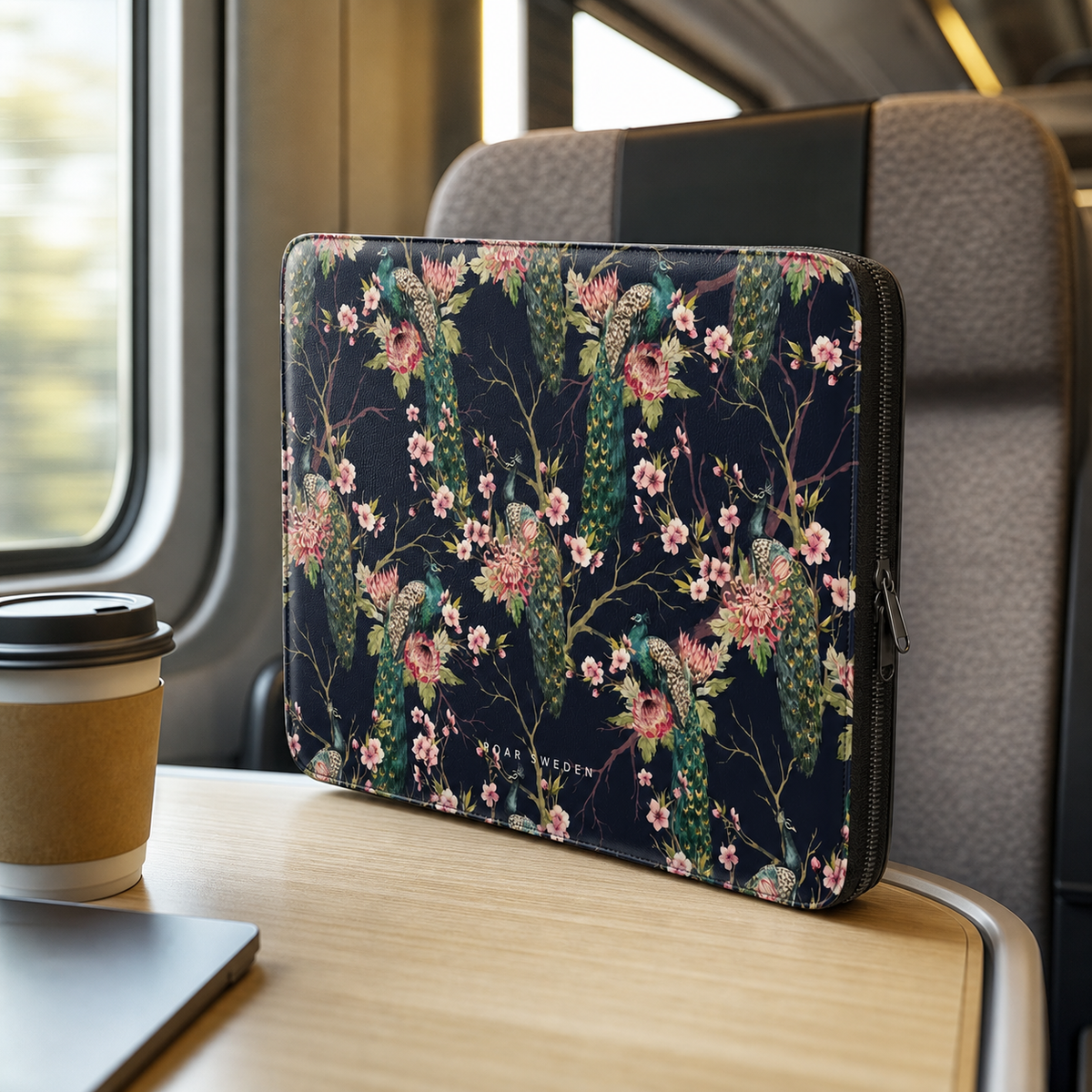
Neoprene laptop sleeve – pros and cons in everyday life
Short answer: Choose a laptop sleeve based on your computer's actual outer dimensions, not just the screen size in inches. Two computers with the same screen size can have different widths, heights, and thicknesses, so check the measurements before purchasing.
The most important things to check first
As autumn gets colder, your phone ends up in jacket pockets, bags, and hands with reduced sensitivity more often. A case with a secure grip and distinct buttons is therefore extra practical.
For the search neoprene laptop sleeve, the key is to distinguish between a general feature and actual compatibility. A phone case is model-specific: the camera section, buttons, edges, and outer dimensions must match. If magnetic accessories are part of your everyday life, the magnetic ring and charging must also work with your specific combination.
- Exact model: check the full model name, not just the generation.
- Fit: camera, buttons, and ports should align correctly.
- Grip: choose a thickness and surface you actually enjoy using every day.
- Function: check MagSafe, magnetic accessories, and wireless charging when relevant.
Screen size is not enough to determine fit
A 14-inch computer describes the diagonal of the screen, not the exact size of the computer chassis. Two 14-inch models may therefore require different amounts of space in the same sleeve. Measure your computer's width, depth, and thickness and compare it with the sleeve's inner dimensions before ordering.
How to measure your computer in a minute
- Close the computer and lay it flat.
- Measure from left to right across the widest part.
- Measure the depth from the front edge to the back edge.
- Measure the thickness, including feet or protruding edges.
- Compare the measurements with the size information for Roar Sweden's laptop sleeves.
A sleeve should not be so tight that the zipper or seams press against the computer, but also not so large that the computer moves around unnecessarily.
Practical example
If you have a computer marketed as 14 inches but with very thin screen bezels, the chassis might be smaller than an older 14-inch model. Therefore, millimeter measurements are better than the model's marketing name when assessing the fit in a sleeve.
Summary
Choose a laptop sleeve based on your computer's actual outer dimensions, not just the screen size in inches. Two computers with the same screen size can have different widths, heights, and thicknesses, so check the measurements before purchasing. Once you know what is most important, you can move on to relevant products at Roar Sweden. Also, compare laptop sleeves and phone cases if you want to weigh a thin feel, extra protection, and magnetic function against each other.
Frequently asked questions
Is it enough to know that the computer is 14 inches?
No. The inch size describes the screen, while the sleeve's fit is determined by the computer's outer dimensions.
Should laptop sleeves be completely tight?
It should hold the computer stably without the zipper or seams pressing against the chassis.
Can chargers be kept in the same sleeve?
It depends on the sleeve's construction and pockets. Avoid having hard accessories pressing directly against the computer.


Leave a comment
This site is protected by hCaptcha and the hCaptcha Privacy Policy and Terms of Service apply.